How do you call, book and get verification codes with a data-only eSIM in Japan?
A data-only eSIM gives you mobile internet but no phone number, so you cannot make normal calls or receive SMS on it. In practice this rarely matters for visitors: calls and messages go through apps such as WhatsApp, LINE, FaceTime or Messenger, taxis can be booked through an app or found at a rank, and restaurants can be booked online or by your hotel. For bank and login codes sent by SMS, keep your home SIM switched on alongside the eSIM, with its data roaming off.
What "data only" means
Our Japan plans are data only. They do not come with a Japanese phone number, so:
- You cannot make or receive normal voice calls on the eSIM.
- You cannot send or receive SMS on the eSIM.
- Anything that runs over the internet works: messaging apps, internet calls, video calls, email, maps and booking sites.
Your phone can hold your home SIM and the eSIM at the same time. You choose which line carries data (the eSIM) and which handles normal calls and texts (your home line). That is the setup we recommend.
Calling and messaging
- Friends and family: WhatsApp, FaceTime, Messenger, Signal, Telegram, WeChat or whatever you already use. Voice and video calls over data work normally.
- LINE: the most widely used messaging app in Japan. Some shops, guesthouses and tour operators use it for customer contact. If you think you will need it, install and register it at home before you go (see below).
- Calling a Japanese landline or mobile: a data-only eSIM cannot do this directly. Options are an internet calling service that dials real phone numbers (paid credit), a normal call from your home line (your carrier's international roaming rates apply), or asking your hotel front desk to call for you.
Taxis
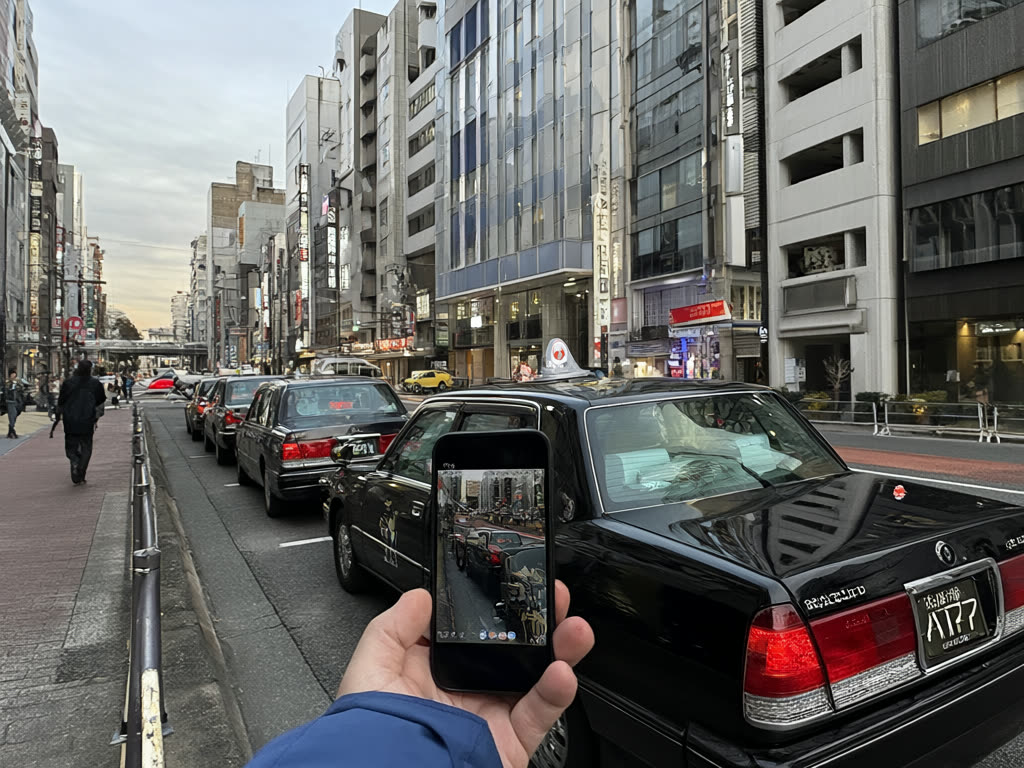
- Taxi apps: the main taxi apps in Japan, such as GO and Uber, have English menus and accept foreign cards, and work over mobile data. Registration usually sends an SMS code, so set the app up at home, or with your home SIM active, before you travel.
- Taxi ranks: stations, big hotels and airports have taxi ranks with a steady queue of cars.
- Hail on the street: a red light in the windscreen usually means the taxi is free.
- Hotel desk: staff can phone a taxi company for you.
Restaurants and reservations
- Online booking: many popular restaurants take reservations through booking websites and apps with English pages. Some ask for a phone number; your home number in international format is usually accepted.
- Hotel concierge: for places that only take phone reservations, the front desk can call. Give them a day's notice for popular places.
- Walk in: ramen shops, izakaya and casual restaurants mostly do not take bookings anyway. See our ramen guide and izakaya guide.
If a restaurant needs to reach you, a messaging app or email is more reliable than a number you cannot answer.
Verification codes (SMS and two-factor login)
This is the part to plan before you fly.
Keep your home SIM on for texts. Leave your home line enabled for calls and SMS, but turn off data roaming on it so it does not use data abroad. SMS codes from your bank, email provider or apps then still arrive on your normal number. Check your home carrier's charges: many do not charge for receiving texts abroad, but some do, and some plans charge a daily roaming fee as soon as the line is used. See how to avoid roaming charges.
Move codes off SMS where you can. Before travelling, switch important accounts to an authenticator app or passkeys if they offer it. These work over data or offline and do not need your home SIM at all.
Messaging apps keep your number. WhatsApp, LINE and similar apps are tied to the phone number you registered with, not to which SIM carries data. Once registered, they keep working over the eSIM's data. Problems start only if you reinstall the app, change phones or register a new account while abroad, because that can trigger a new SMS code. Do any of that at home.
If your phone only takes one SIM at a time, you would lose SMS while the eSIM is active. Most eSIM-capable phones support a physical SIM plus an eSIM, or two eSIMs, at once. Check under your phone's cellular or SIM settings before you go.
Set this up before you leave
- Install and register the apps you will need (taxi, messaging, booking) while your home SIM is at home.
- Switch key accounts to authenticator apps or passkeys where possible.
- Ask your carrier what receiving texts and calls in Japan will cost.
- Install the Japan eSIM over Wi-Fi a day or two before departure (iPhone, Android). Our plans only start counting days when the eSIM first connects in Japan.
- On landing, set the eSIM as your data line, keep the home line on for calls and texts, and turn data roaming off on the home line.
When a data-only eSIM is not enough
- You need a Japanese phone number, for example for a long stay, a job or some local services that only accept Japanese numbers. A travel data plan will not provide one.
- You must take frequent normal calls on your home number and your carrier's roaming call rates are high. Consider your carrier's travel options for voice, or forwarding calls to an internet calling service.
Common mistakes
- Removing or switching off the home SIM, then being locked out of a bank app that sends an SMS code.
- Reinstalling WhatsApp or LINE mid-trip and being unable to receive the code.
- Leaving data roaming on for the home line, so your carrier charges for data the eSIM should be handling.
- Giving a restaurant a number you cannot answer and missing their message.
Quick answer: A data-only eSIM has no phone number, but you can still do almost everything over data: call and message with apps, book taxis through an app or a rank, book restaurants online or via your hotel. Keep your home SIM switched on for SMS codes with its data roaming off, and set up apps before you leave.
Last updated: 18 October 2026.
Data in Japan, your number from home
Our Japan eSIM is data only and sits alongside your normal SIM, so you keep your own number for texts and codes while using local data.
Japan eSIM from ¥480