How do you avoid roaming charges in Japan when using an eSIM?
You do not need to switch off your home SIM completely. To avoid your home carrier's roaming charges, make the Japan eSIM your mobile data line, turn off data roaming on your home line, and turn off any setting that lets the phone switch data between lines automatically. Your home number can stay on for receiving texts and verification codes, but your carrier may still charge for calls and texts in Japan, and some plans start a daily roaming fee when the line is used, so check your carrier's rates before you fly.
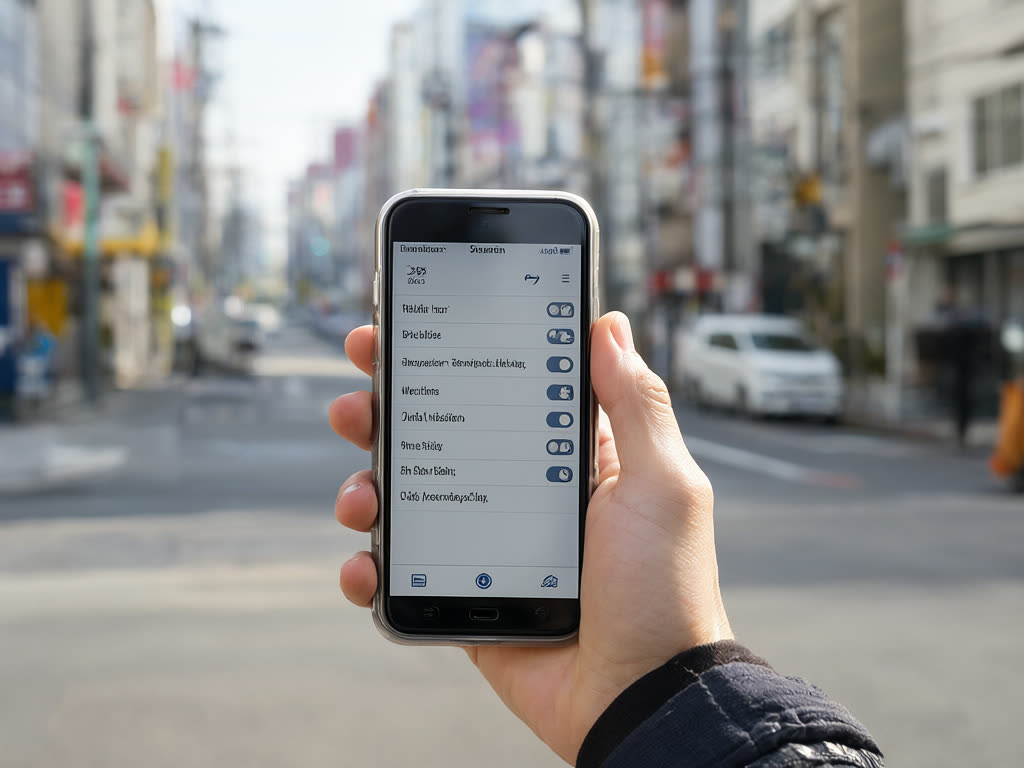
Where roaming charges come from
When your home SIM connects to a network abroad, your home carrier bills you for using it. The main ways that happens on a trip:
- Data roaming on your home line. The biggest risk. Apps sync in the background and you may not notice until the bill arrives.
- Automatic data switching. Some phones fall back to the other line's data when the main data line has weak signal.
- Daily travel passes. Some carriers charge a fixed daily fee as soon as the line makes a call, sends a text or uses data in another country. Check how yours works.
- Calls and texts. Answering calls abroad and sending texts are often charged. Receiving texts is free on many plans, but not all.
- Wi-Fi calling. Usually treated as calls from home when you are on Wi-Fi, but rules vary by carrier.
Data roaming on the Japan eSIM is a different matter. Travel eSIMs need data roaming turned on for their own line to connect, and that does not create charges from your home carrier. With our plans you pay once for the plan, and nothing more from us.
The recommended setup
- Japan eSIM: turned on, data roaming on, selected as the mobile data line.
- Home line: turned on for calls and texts, data roaming off.
- Automatic data switching: off.
iPhone settings
- Open Settings, then Cellular (called Mobile Data in some regions).
- Tap Cellular Data and select the Japan eSIM.
- On the same screen, turn off Allow Cellular Data Switching.
- Tap the Japan eSIM line, then Cellular Data Options, and turn Data Roaming on.
- Go back, tap your home line, then Cellular Data Options, and turn Data Roaming off.
- Optional: under Default Voice Line, keep your home number so calls and texts stay on it.
To avoid calls and texts on your home line entirely, you can turn that line off (tap it, then turn off Turn On This Line). You will then not receive SMS codes until you switch it back on.
Android settings
Menu names differ by manufacturer, but the logic is the same.
Google Pixel and similar:
- Open Settings, then Network and internet, then SIMs.
- Tap the Japan eSIM, turn it on, turn on Roaming, and make it the mobile data SIM.
- Tap your home SIM and turn off Roaming. Leave the SIM itself on if you want texts.
- If there is an option to switch mobile data automatically between SIMs, turn it off.
Samsung Galaxy:
- Open Settings, then Connections, then SIM manager.
- Under Mobile data, choose the Japan eSIM.
- Turn off any automatic data switching option on the same screen.
- Data roaming is usually in Settings, Connections, Mobile networks. On a dual-SIM phone, set roaming on for the eSIM and off for the home SIM.
On any phone, the test is simple: once set up, open your home line's settings and confirm its data roaming switch is off.
Should you turn off your home SIM completely?
Keep it on (calls and texts only) if:
- You need SMS codes from your bank or other accounts (how to manage codes on a data-only eSIM).
- You want people at home to reach you on your normal number in an emergency.
- Your carrier does not charge for receiving texts abroad.
Turn it off if:
- Your carrier charges a daily fee whenever the line touches a foreign network, even for a text.
- You have moved your logins to an authenticator app or passkeys and do not need SMS.
- You want to be certain nothing from the home line is billed.
You can switch the home line back on at any time for a minute to collect a code and turn it off again. Check whether that triggers a daily fee on your plan first.
Extra protection
- Check before you fly: ask your carrier, or check its app, what calls, texts and data cost in Japan on your plan, and whether any travel pass starts automatically.
- Set a usage alert or block in your carrier's app if it offers one.
- Watch your phone's usage screen: after the first day, check that data is going to the eSIM and not your home line.
- Use Low Data Mode or Data Saver if you want the eSIM data to last longer, especially if you share it (hotspot guide).
When this does not apply
- Your home plan already includes Japan roaming at no extra cost. Then the question is speed and allowance, not charges.
- Your phone is carrier-locked. It may reject the eSIM altogether, which leaves you on roaming. Check first with our carrier lock guide.
- Your phone supports only one active line at a time, which means choosing between the eSIM and your home line.
Common mistakes
- Turning off data roaming on the eSIM instead of the home line, so the eSIM shows signal but no internet.
- Leaving automatic data switching on, so the phone quietly uses home data when the eSIM signal dips in a tunnel.
- Assuming that switching data roaming off also stops call and text charges. It does not.
- Deleting the eSIM to troubleshoot. We cannot always reinstall it and do not issue replacements; contact us first (FAQ).
Quick answer: Keep your home SIM on for texts if you need codes, but turn off data roaming on it and turn off automatic data switching. Set the Japan eSIM as your data line with its data roaming on. Ask your carrier what calls and texts cost in Japan, and turn the home line off completely if it charges a daily fee for any use.
Last updated: 18 October 2026.
Local data, no roaming surprises
Use our Japan eSIM for data and keep your home line on for texts with its data roaming off. The days start counting when the eSIM first connects in Japan.
Japan eSIM from ¥480