Can you buy a SIM card or eSIM at a Japanese airport?
Yes, you can. Japan's main international airports, including Narita, Haneda and Kansai, have SIM card counters, SIM vending machines and pocket Wi-Fi rental desks, mostly in or near the arrivals lobby. The catch is price and timing: Tokyo's official visitor guide puts travel SIMs at roughly ¥2,000 to ¥8,000 depending on the plan, counters keep limited hours, and after a long flight you may queue. Buying an eSIM online before you leave usually costs less and gets you online the moment you land.
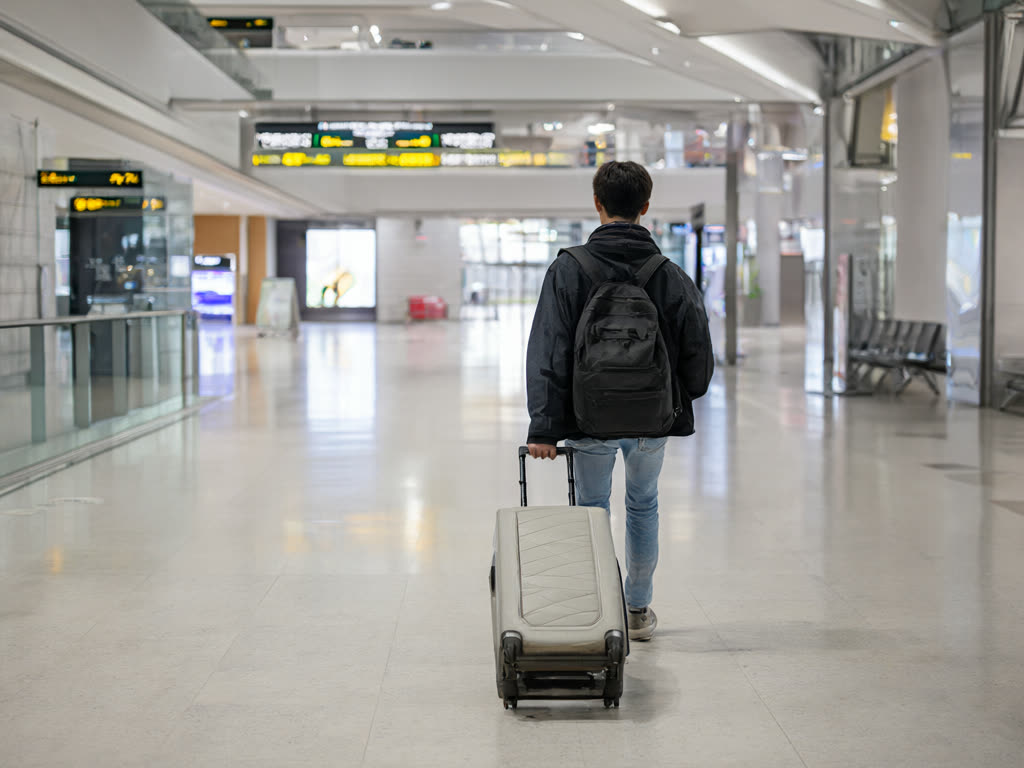
What you can actually buy at the airport
Options vary by airport and terminal, and shops open, close and move, so treat this as a picture of what to expect rather than a directory.
- Prepaid SIM cards at counters. Telecom and travel-service counters in arrivals sell data-only SIM cards for set periods such as 7, 15 or 30 days. Staff can usually help insert it, which is useful if you have never opened a SIM tray.
- SIM vending machines. Several terminals have machines selling prepaid data SIMs, with English menus. They work at any hour the terminal is open, but you install the card yourself and nobody checks that your phone is compatible first.
- eSIMs at counters. Some counters now sell eSIMs as well as physical cards. You still need an internet connection to install one, which the counter usually provides.
- Pocket Wi-Fi rental. Rental desks hand out portable routers, often pre-booked online, and you return the device at the airport or by post when you leave.
- Electronics stores in the city. If you miss the airport options, large electronics chains in Tokyo and Osaka also sell travel SIMs.
For comparison, the official Japan tourism site quotes around ¥3,000 for a 1 GB, 30-day SIM bought locally. Our Japan eSIM plans start at ¥480 for 1 GB over 7 days and ¥1,100 for 5 GB over 30 days.
The downsides of waiting until you land
Opening hours. Counters open early and close in the evening, and the exact hours differ by shop and terminal. If your flight lands late at night, the counter you planned on may already be shut. Vending machines help here, but stock and payment options vary.
Queues. When several long-haul flights land together, the counters get busy. A 15 to 30 minute wait is common at peak times, on top of immigration and baggage.
Price. You pay for convenience. Airport plans are typically priced well above what the same data costs online.
Locked phones. Whether you buy at the airport or online, your phone must support the SIM type and be carrier-unlocked. Finding out it is locked in the arrivals hall, with no way to reach your carrier cheaply, is the worst case. Check before you go with our carrier lock guide and the compatible devices page.
Installing an eSIM over airport Wi-Fi
If you bought online but did not install before flying, you can still do it on arrival. The big airports offer free Wi-Fi inside the terminals: Narita's network is called FreeWiFi-NARITA, and Haneda and Kansai have their own free networks. Network names can change, so look for signs in the terminal.
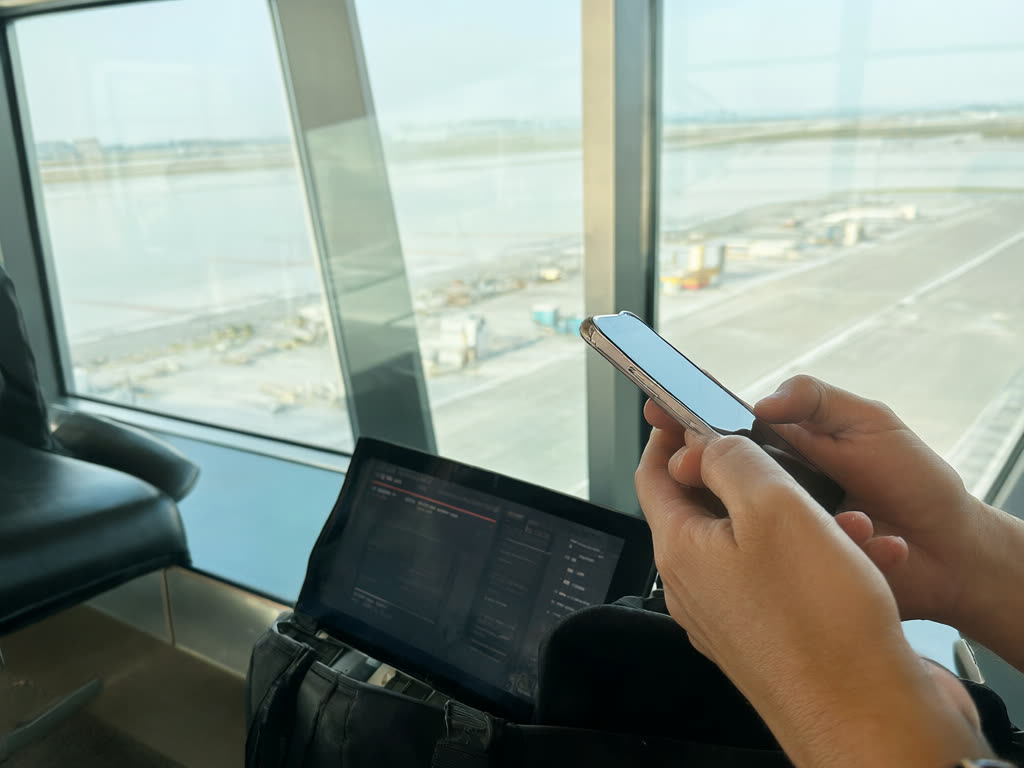
How to do it:
- Connect to the airport's free Wi-Fi. A page opens in the browser asking you to accept the terms; until you accept, nothing else will load.
- Open your order page or confirmation email.
- Install the eSIM. The usual method is scanning a QR code, but your phone cannot scan its own screen. Options: on an iPhone with iOS 17.4 or later, use one-tap install from the phone; use the manual installation details from your order page; or show the QR code on a travel companion's phone, a tablet or a laptop.
- Once it shows as installed, turn on the eSIM line, turn on data roaming for it, and set it as your mobile data line. Full steps: iPhone and Android.
Things that make this harder than it sounds:
- Free airport Wi-Fi is shared with everyone off your flight and can be slow at busy times. An eSIM profile is small, so it normally works, but it may take a few tries.
- Screenshot your QR code and order page before you leave home, so you are not hunting through email on a slow connection.
- If the QR code is only in an email on your phone and you are travelling alone, the manual details or one-tap install are your route. Know which one your phone supports before the flight.
Why installing at home is usually better
With our plans, the validity period starts when the eSIM first connects to a network in Japan, not when you buy or install it (details in when your plan starts). So installing a day or two before departure costs you nothing. You do it on your home Wi-Fi with no time pressure, and if anything looks wrong you can contact us while you still have options.
Two of our rules make this worth planning:
- Every order has an install-by date in your confirmation. Do not buy months ahead and forget it.
- Orders cannot be cancelled or refunded for a change of mind or for choosing the wrong plan, even before the eSIM is installed, so check the plan and your trip dates before you pay.
When buying at the airport does make sense
- Your phone has no eSIM support and you prefer a physical SIM.
- You want staff to set it up for you in person.
- You are renting pocket Wi-Fi for a group that wants one shared device (see eSIM vs pocket Wi-Fi vs SIM).
- You decided to travel at the last minute and land during counter hours.
Common mistakes
- Assuming the counter is open whenever you land.
- Trying to scan a QR code shown on the same phone.
- Forgetting to turn on data roaming for the new eSIM line, which is the most common reason it shows signal but no internet.
- Leaving data roaming on for your home SIM while you sort things out, which can trigger your home carrier's roaming charges. See how to avoid roaming charges.
Quick answer: Yes, Japan's major airports sell SIM cards, eSIMs and pocket Wi-Fi in the arrivals area, but they cost more, keep limited hours and can mean a queue. The cheaper, calmer route is to buy an eSIM online and install it at home. If you forget, you can still install it over the free airport Wi-Fi.
Last updated: 18 October 2026.
Skip the arrivals-hall queue
Buy now, install at home over Wi-Fi, and switch it on when you land. The days only start counting when the eSIM first connects in Japan.
Japan eSIM from ¥480