eSIM vs pocket Wi-Fi vs SIM card in Japan: which should you choose?
If your phone supports eSIM and is carrier-unlocked, an eSIM is usually the best choice for one or two people: a week of data typically costs a few hundred to a couple of thousand yen, with nothing to pick up, charge or return. Pocket Wi-Fi is worth it when a group wants to share one connection or someone's phone cannot take an eSIM, but it usually costs ¥550 to ¥1,000 a day and has to be carried, charged and posted back. A physical SIM card is mainly for unlocked phones that do not support eSIM.
Here is how the three compare on the things that actually decide it.
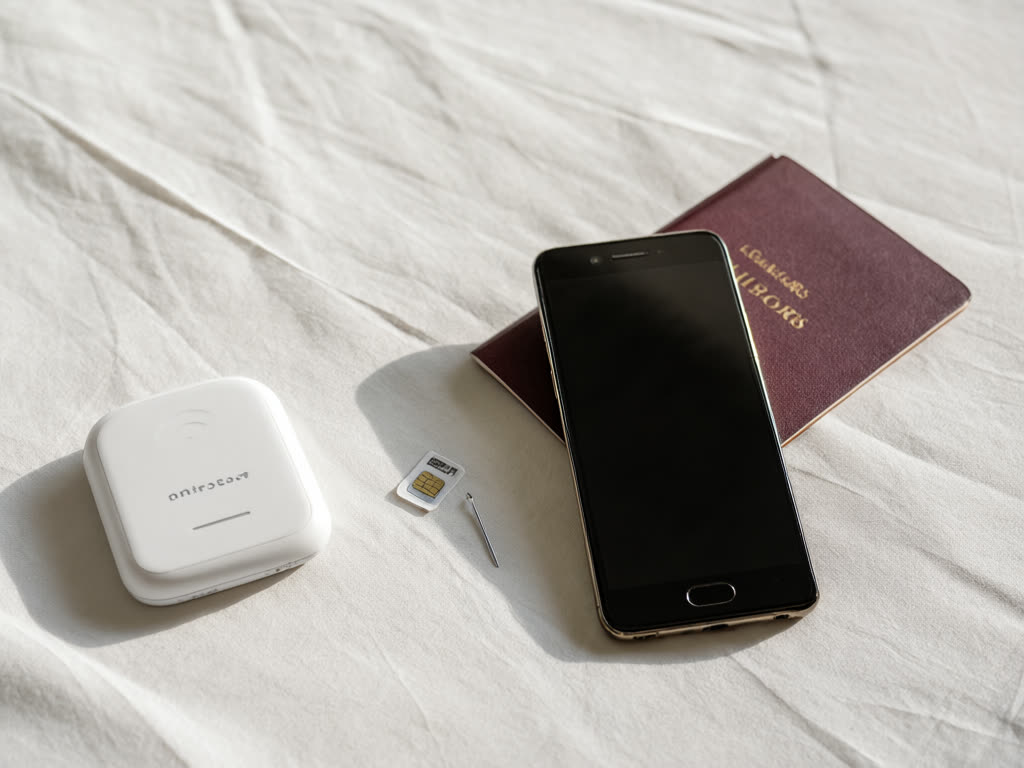
Price for a typical one-week trip
- eSIM: our plans are ¥780 for 3GB over 15 days or ¥1,100 for 5GB over 30 days, which covers most one-week trips.
- Pocket Wi-Fi rental: rental companies commonly charge around ¥550 to ¥1,000 per day for unlimited-style plans, so roughly ¥4,000 to ¥7,000 for a week. Delivery fees, a power bank and damage cover are sometimes extra.
- Physical prepaid SIM: tourist data SIMs sold at airports, electronics stores and online usually cost a few thousand yen for one to two weeks, depending on the data included.
Per person, the eSIM is cheapest in almost every case. The gap narrows for a group of four or five sharing one router, because the rental price is split.
Getting it and giving it back
- eSIM: bought online, delivered by email, installed at home over Wi-Fi before you fly. Nothing to collect and nothing to return. On our plans, the validity period starts when the eSIM first connects in Japan, so installing early costs you nothing. See when an eSIM plan starts.
- Pocket Wi-Fi: you collect it from an airport counter or have it delivered to your hotel, usually after booking ahead. Most rentals come with a prepaid return envelope that you drop in a post box or an airport return box. Late returns, lost cables and lost devices are charged, and late fees around ¥1,000 a day are common.
- Physical SIM: bought at the airport or ordered to your hotel. You swap it into the SIM tray, which means keeping your home SIM somewhere safe for the trip. Some SIMs need an activation step, and the instructions are not always clear.
If you land late at night, counter opening hours matter. An eSIM that is already on your phone does not depend on anything being open.
Battery
- eSIM: uses your phone's battery, which you are charging every night anyway. Mobile data on its own adds little drain; hotspot use adds a lot.
- Pocket Wi-Fi: the router has its own battery, often quoted at around 10 hours or more, but real life is shorter when several devices connect. A dead router means everyone in the group is offline, so most people carry a power bank for it.
- Physical SIM: same as eSIM.
Groups and sharing
This is where pocket Wi-Fi earns its place.
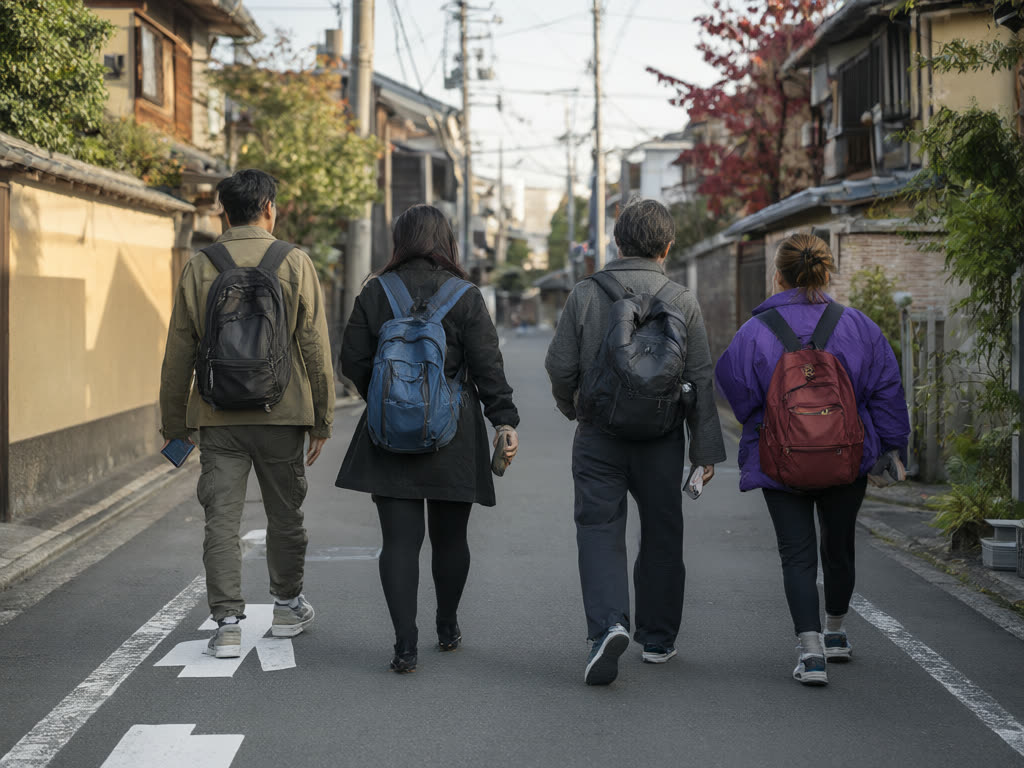
- One router for everyone: a pocket Wi-Fi typically allows several devices at once, often up to around five to ten. It works well if the group sticks together all day.
- The catch: everyone has to stay within Wi-Fi range of whoever carries it. When the group splits up for an afternoon, the people without the router have no data.
- eSIM for each phone: each person stays connected independently. We sell up to five eSIMs in one order, each with its own QR code.
- One eSIM as a hotspot: possible, and allowed on our plans, but all connected devices draw from the same allowance and the host phone's battery drains faster. See family and group eSIM options.
Hotspot and laptops
- eSIM: hotspot (tethering) is allowed on our plans. Anything connected uses the plan's data, and laptops can use a lot in the background, so size up. Details in using an eSIM as a hotspot.
- Pocket Wi-Fi: built for this. Many rentals advertise unlimited data, though rental terms often mention speed limits after heavy daily use, so read the fair-use line before relying on it for work.
- Physical SIM: same rules as any phone hotspot, depending on the SIM's terms.
Phone requirements
- eSIM: the phone must support eSIM and be carrier-unlocked. Most iPhones from the XS and XR onwards and recent Pixel and Galaxy phones support it. Check our compatible devices page and how to check for a carrier lock.
- Physical SIM: the phone must be carrier-unlocked and have a SIM tray. Some recent iPhones sold in the US have no SIM tray at all.
- Pocket Wi-Fi: works with any device that has Wi-Fi, including locked phones and tablets without mobile data. This is its strongest advantage.
Calls and SMS
None of the three normally gives you a Japanese phone number for calls. Our eSIMs are data only, with no phone number, calls or SMS; most travel SIMs and all routers work the same way. Messaging and internet-calling apps cover nearly everything. Keep your home SIM in the phone if you need bank text codes. See data-only eSIM: no phone number.
Which one to choose
- Choose an eSIM if you travel alone or as a couple, your phones support eSIM and are unlocked, and you want the lowest price with nothing to return.
- Choose pocket Wi-Fi if a group of four or more stays together most of the day, if someone's phone is locked or does not support eSIM, or if you need to connect several laptops and tablets.
- Choose a physical SIM if your phone is unlocked but has no eSIM support.
- Mix them if needed: an eSIM for each adult and the router left at the hotel is rarely worth it, but an eSIM for the person who often splits off from a router-carrying group works well.
Common mistakes
- Comparing a daily rental price with a whole-trip eSIM price. Multiply the rental by your days and add the fees.
- Assuming a contract phone is unlocked. Check before you buy any SIM or eSIM.
- Forgetting the return. Put the return envelope somewhere you will see it on your last morning.
Quick answer: for one or two people with unlocked, eSIM-capable phones, an eSIM is the cheapest and least hassle. Pocket Wi-Fi suits groups that stay together or phones that cannot take an eSIM. A physical SIM is the fallback for unlocked phones without eSIM support.
For data sizes, see how much data you need in Japan. For airport options if you arrive with nothing set up, see buying a SIM at a Japanese airport.
Last updated: 18 October 2026.
Going the eSIM route?
Our Japan plans run from 1GB for 7 days to 50GB for 30 days. Install at home, and the days only start when the eSIM first connects in Japan.
Japan eSIM from ¥480