When does a Japan eSIM plan start counting days?
On our plans, the days start counting when the eSIM first connects to a mobile network in Japan. Buying it does not start the clock, and installing it does not start the clock either, so you can install at home a day or two before your flight and still get every day of a 7, 15 or 30 day plan. The only date that matters before you travel is the install-by date in your order confirmation.
This page goes through what "first connects" means in practice, how to avoid starting the plan earlier than you meant to, and the two deadlines people mix up.
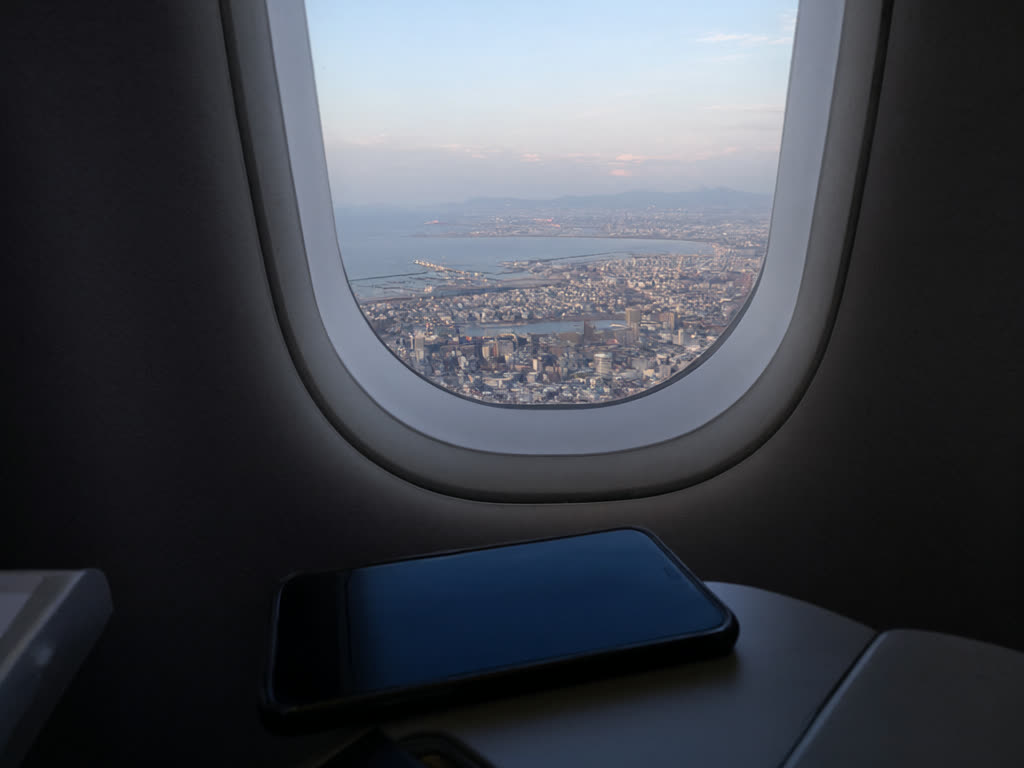
The three moments, and which one starts the plan
It helps to separate three things that happen to a travel eSIM:
- Purchase. You pay, and the QR code and install details appear on your order page and in your email. Nothing is counting yet, apart from the install-by date.
- Installation. You scan the QR code (or use the one-tap install on a recent iPhone) and the eSIM profile is saved on your phone. It now appears as a second line in your settings. Still nothing is counting.
- First connection in Japan. You land, switch the line on and turn on data roaming for it, and it attaches to a local network. This is the moment the validity period begins.
So the answer to the most common worry is no: installing before departure does not waste days. It is actually the recommended order, because installing needs an internet connection and the arrivals hall is the worst place to look for one.
Two deadlines that are easy to confuse
The install-by date. Every order shows a date by which the eSIM must be installed. If it is still sitting in your inbox after that date, it may no longer be installable, and our terms do not oblige us to replace or refund it. This is why we suggest buying close to your trip and installing within a few days of purchase, ideally one to two days before you fly.
The validity period. This is the 7, 15 or 30 days of the plan you chose. It runs from the first connection in Japan. When the days run out, or when the data allowance is used up, whichever comes first, the plan ends. Unused data does not carry over.
In short: the install-by date is about when you set it up; the validity period is about when you use it.
How to keep the plan from starting early
Our plans are for use in Japan, and the clock is tied to a connection there. Even so, it is good practice to keep the eSIM line inactive until you arrive, so there is no question about when it first connected. After installing:
- On iPhone: go to Settings, then Cellular (or Mobile Data), tap the new line and switch off "Turn On This Line", or leave it on and keep Data Roaming off for it. Also make sure your home line, not the eSIM, is selected under Cellular Data while you are still at home.
- On Android: go to Settings, then Network and internet (or Connections), then SIMs, open the eSIM and switch it off, or keep Roaming off for it. Menu names vary between Pixel, Samsung and other brands, but the switch is in the SIM settings.
When you land in Japan, reverse those steps: turn the line on, turn data roaming on for it, and choose it as your mobile data line. Data roaming has to be on because the eSIM connects to a Japanese network as a visitor; this does not mean extra charges from us.
Landing late, or not needing data straight away
Because the first connection is what counts, you decide when to start. A few situations where that is useful:
- Late-night arrival. If you land close to midnight and are going straight to a hotel with Wi-Fi, you can leave the eSIM off until the next morning. Turn it on when you actually head out.
- Transit through another country. Keep the line off during a layover elsewhere. Switch it on once you are in Japan.
- A long trip with a short plan. If you are staying three weeks but only need mobile data for the second half, you can wait to switch it on, as long as you installed it before the install-by date.
- Stays longer than one plan. Buy a second plan before the first ends. It comes as a separate eSIM with its own install-by date, and its days also start from its own first connection. See what to do when your data runs out.
Common mistakes
- Leaving the eSIM uninstalled until the airport. You need Wi-Fi or another data connection to install it. Airport Wi-Fi usually works, but it adds a step at the worst moment. Install at home.
- Buying months ahead and forgetting. The plan days wait for you; the install-by date does not.
- Deleting the eSIM to "reset" it. A deleted eSIM cannot always be reinstalled, and we do not issue replacements. If something looks wrong, contact us before removing anything.
- Installing on the wrong phone. Once installed, an eSIM stays on that device and cannot be moved. Install it on the phone you will carry in Japan. If you are not sure your phone is compatible, check the compatibility list and whether it is carrier-locked first.
- Forgetting the home SIM. If your home line stays on with data roaming, your home carrier may charge you. See how to avoid roaming charges.
Checking how many days you have left
Since the plan starts at its first connection, the simplest way to keep track is to note the date and time you first switched the line on after landing. Your phone also shows how much data the line has used: on iPhone under Settings, Cellular, and on Android in the SIM or data usage settings for that line. Phone counters are an estimate and can differ slightly from the network's count, so leave some margin near the end. If anything about your plan is unclear, check the FAQ or email us with your order number.
For step-by-step installation with screenshots of the settings, see our guides for iPhone and Android. For plan sizes, the Japan eSIM guide and how much data you need cover that.
Quick answer: the plan starts when the eSIM first connects to a network in Japan. Install it at home over Wi-Fi one to two days before you fly, keep the line off until you land, then switch it on. Just make sure you install before the install-by date in your order confirmation.
Last updated: 18 October 2026.
Install this week, start the clock in Japan
Buy now and your QR code arrives right after payment. Install it at home over Wi-Fi; the days only start when the eSIM first connects in Japan.
Japan eSIM from ¥480