Riding Tokyo trains with an eSIM: does Suica or PASMO on your phone need data?
Tapping a Suica or PASMO stored on your phone at a ticket gate does not use mobile data. The card works through the phone's contactless chip, and Apple's support page says riding with it does not need a cellular or Wi-Fi connection. Where your eSIM matters is setting the card up, topping it up, and above all route planning, which needs a live connection but uses little data: in our estimate a full day of getting around Tokyo stays at about 100 MB or less.
For the basics of Tokyo's lines, passes and airport routes, see our guide to Tokyo trains and IC cards. This page covers the phone side.
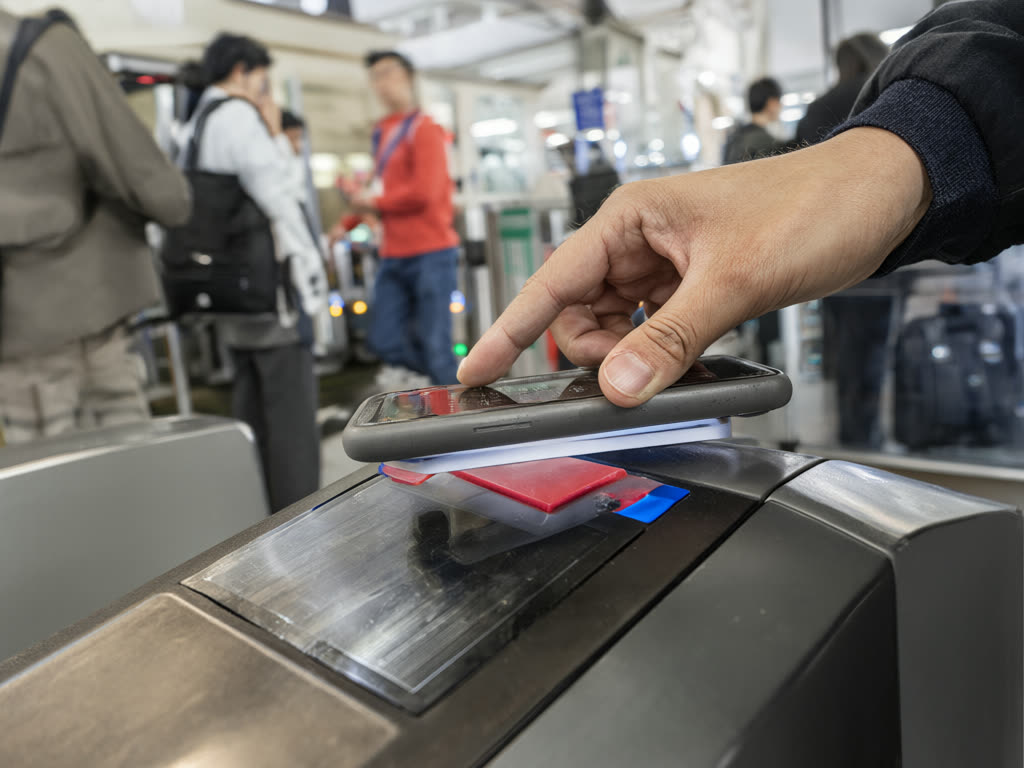
What needs data, and what does not
- Tapping through the gate: no data needed. The phone must be switched on.
- Paying in convenience stores and vending machines with the card: no data needed, same as the gate.
- Adding a new Suica or PASMO to your phone: needs an internet connection, Wi-Fi or mobile data.
- Topping up in the app or in Wallet: needs an internet connection, because the payment goes through your bank card.
- Route planning, live train times, platform and exit information: needs a live connection every time you search.
- Offline maps: Google's help page says transit and walking directions are not available offline, so a downloaded map shows where you are but will not plan a train route.
The upshot: the card keeps working if your data runs out or you are in a dead spot, but finding the right train becomes guesswork.
Which phones can carry Suica or PASMO
iPhone. iPhone 8 and later can store Suica and PASMO in Apple Wallet, including models bought outside Japan. Apple Watch Series 3 and later works too. You need an Apple Account with two-factor authentication. Set up Express Mode for the card so you can tap without unlocking the phone. Apple also notes that, depending on the model, Express Mode may keep working for a while when the phone needs charging, but do not count on it with a flat battery.
Android. Suica and PASMO depend on a contactless standard called FeliCa, and Android phones sold outside Japan generally do not have it. If your Android phone was not bought in Japan, plan on a physical card from a station ticket machine. The eSIM itself works fine on compatible Android phones; this limit is only about the transit card. Check eSIM support separately on our compatibility list.
Setting it up: do it at home
You can add the card before you travel, which saves a step at the airport:
- Welcome Suica Mobile. JR East's app for visitors, for iPhone and Apple Watch, launched in March 2025. It issues a Suica in the app before or after you arrive, with no deposit, and JR East states the mobile version stays valid for 180 days from issue.
- Apple Wallet directly. Open Wallet, add a transit card, and choose Suica or PASMO.
Both are topped up with a card saved in Apple Pay. Whether a foreign card is accepted for top-ups depends on the card network and issuer, and reports have changed over time, particularly for some Visa cards. Try a small top-up at home. If yours is declined, cash top-ups at convenience store registers or at station machines that support mobile cards are the fallback; our trains guide explains where.
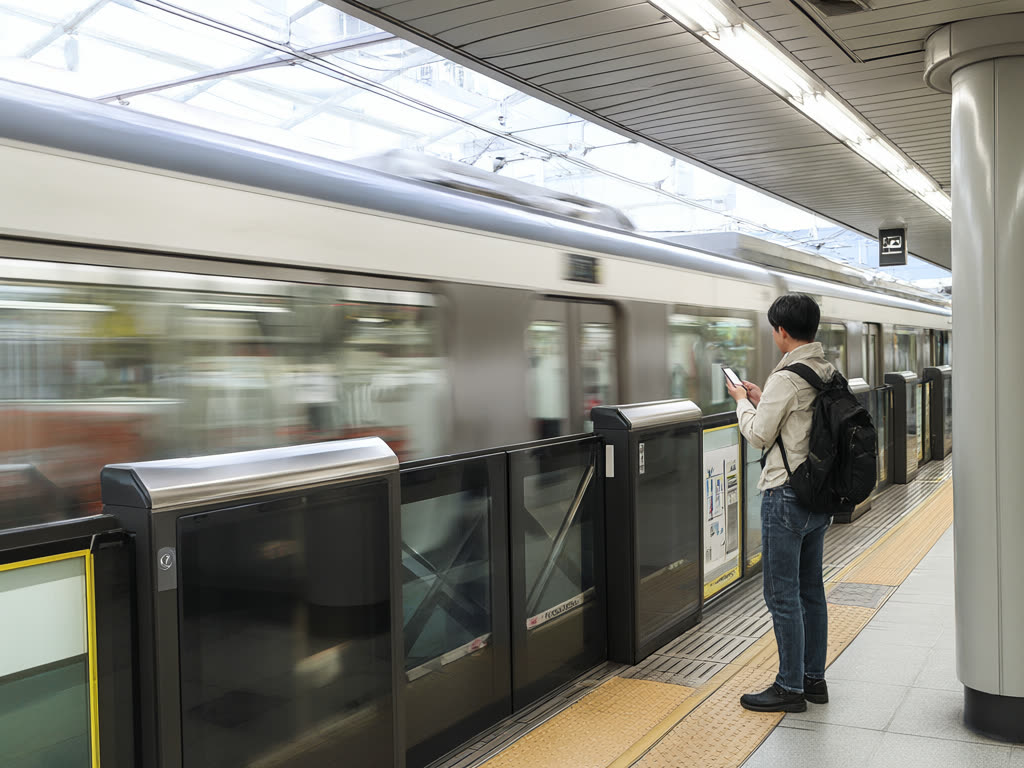
How much data route planning uses
Our plan finder assumes around 15 MB per hour of active map and route use. The reason it is small: a route search sends a small request and returns a list of trains, transfers and walking segments, not video. Rough estimates for some typical days:
- A sightseeing day with 8 to 12 train rides, plus walking directions between stops: roughly 30 to 80 MB.
- Airport to hotel on arrival day, including looking up the train and checking the walk from the station: a few MB to 20 MB.
- A heavy navigation day with live map following for hours: around 100 to 150 MB.
Route planning is not what fills a plan. Photos, social media and video do. Even our smallest plan, 1GB for 7 days, covers a week of route planning many times over; the question is what else you do. See how much data you need in Japan for full plan sizes.
Ways to keep it lean:
- Use satellite view sparingly; the standard map is far lighter.
- Search the route once, then screenshot the transfer screen if you are heading underground.
- Open the map of the next area over hotel Wi-Fi in the morning so the app has it loaded before you set out.
Signal on the trains
You can usually get a mobile signal in Tokyo's stations, including most subway stations, and on surface lines. Expect brief gaps in some tunnels and between stations. If you want a route in hand before you lose signal, look it up on the platform. Station and on-board free Wi-Fi exists in places, but often requires a sign-up page, which is awkward when you are about to board. Coverage on our eSIM is 4G/5G where available; for travel beyond the cities, see eSIM coverage in rural Japan.
Common mistakes
- Assuming the transit card needs data and panicking when the plan runs out. The card still taps. Only the planning stops. See what to do when your data runs out.
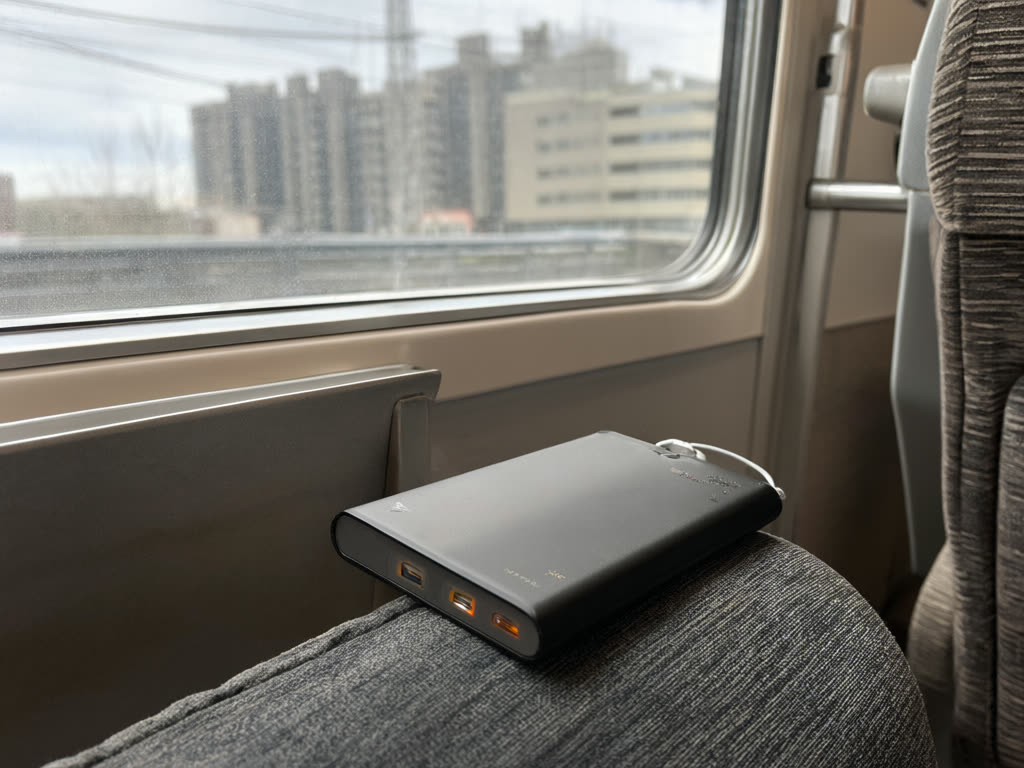
- Letting the phone battery die. A dead phone means no card and no map. Carry a power bank, especially if you also run a hotspot.
- Trying to add Suica to an Android phone bought abroad. Buy a physical card instead.
- Topping up a lot at once. Load what you expect to spend; check the rules for refunds of leftover balance on the issuer's site before loading a large amount.
If you have not installed your eSIM yet, start with our iPhone or Android guide, and remember the plan's days only start when it first connects in Japan. See when a plan starts counting.
Quick answer: Suica or PASMO on an iPhone taps through gates without any data. You need a connection only to add the card and top it up. Route planning needs a live connection but uses little data, about 100 MB or less on a full day. Android phones bought outside Japan generally cannot carry Suica, so use a physical card.
Last updated: 18 October 2026.
Plan every ride from the platform
Route apps need a live connection on the move. Install our Japan eSIM at home, switch it on when you land, and plan your first train from the arrivals hall.
Japan eSIM from ¥480